
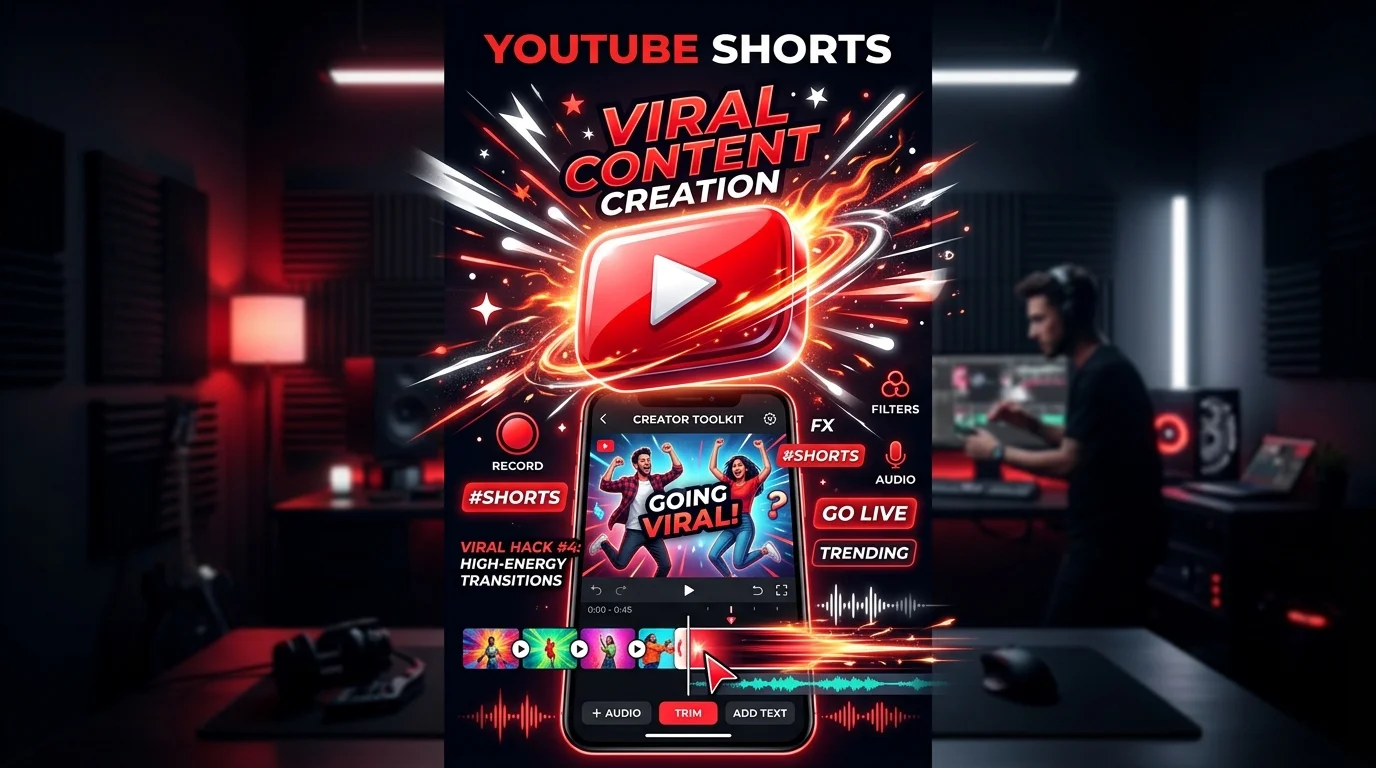
Quick Answer — AI Prompts for YouTube Shorts
The best AI prompts for YouTube Shorts produce timestamped scripts (0–3s hook, body, CTA), under ~130 spoken words, with visual staging directions. Retention in the first 2 seconds determines whether a Short goes viral — so every prompt below engineers the hook first.
These AI prompts for YouTube Shorts generate complete scripts — hooks, beats, staging, and CTAs — for developer, tech, and education niches. Copy a prompt, swap in your topic, and get a shootable script.
The Formula for 60-Second Viral Shorts
To go viral on YouTube Shorts, your video must capture viewer attention within 2 seconds and deliver dense value before the 60-second limit.
[0-3s: Pattern-Interrupt Hook] + [3-40s: Rapid Value Delivery] + [40-60s: Payoff + CTA] — and always under ~130 spoken words.
5 Copyable Shorts Script Prompts
- 1. Tech Fact / Educational Short Script:
Act as an expert YouTube Shorts producer. Write a complete 45-second high-retention Short script about [Tech Topic/Coding Tip]. Structure the script as follows: 0-3s: Shocking hook overlay text & verbal statement; 4-20s: Rapid-fire delivery of 3 valuable facts with visual actions in brackets; 21-40s: Live coding demonstration walkthrough details; 41-45s: Quick subscription call to action pointing to the screen. Optimize the wording to feel energetic, fast-paced, and concise (under 130 words total). - 2. "Avoid This Mistake" Callout Script:
Write a 50-second YouTube Short script titled "Don't Make This [Niche/Language] Mistake!" designed for developer audiences. Deliver a high-retention hook highlighting a common error that ruins performance or security, explain why it happens in 15 seconds, show the correct code implementation in 20 seconds, and end with an interactive question encouraging viewers to comment if they've made this mistake. Include detailed visual staging directions for screen sharing. - 3. Productivity/Tool Recommendation Short:
Draft a 45-second YouTube Short script reviewing a cool, underrated productivity tool or API for developers. The hook must state why this tool will save them 10+ hours per week, followed by a screen-share walkthrough showing how to install and run the code in under 15 seconds, listing its top 3 features with graphic overlays, and concluding with a clear call to action to visit the link in the pinned comment. - 4. Day in the Life/Vlog Style Hook & Story:
Generate a script and hook sequence for a 30-second casual, behind-the-scenes Short showing the day in the life of a software engineer working on [Feature]. Provide a relatable, humor-driven voiceover script, visual descriptions for desk shots, keyboard close-ups, screen transitions, and a looping cliffhanger sentence at the end that smoothly transitions back to the start of the video for higher watch loops. - 5. Coding Challenge / Interactive Quiz:
Create a 50-second interactive coding challenge script for a Short. Pose a multiple-choice question showing a snippet of code with a subtle bug, give the viewer a 5-second countdown timer to choose the output, explain the correct answer with a short visual diagram instruction, and encourage them to subscribe to test their skills daily.
Retention Benchmarks That Decide Virality
| Metric | Below Average | Good | Viral Zone |
|---|---|---|---|
| Avg. % watched | <70% | 80–95% | 100%+ (loops) |
| 2-second hold rate | <60% | 70–80% | 85%+ |
| Swipe-away point | <3s | 3–10s | After payoff |
| Loop rate | 1.0x | 1.2x | 1.5x+ |
Shorts that loop seamlessly (last line flows into the first line) get re-watches counted as extra watch time — the single biggest distribution lever.
5 Hook Formulas That Stop the Swipe
- The Negative Warning: "Stop doing [common thing] — it's silently breaking your [result]."
- The Impossible Result: "I got [outcome] in [absurdly short time] using [tool]."
- The Insider Secret: "Nobody talks about this [niche] trick, but it changes everything."
- The Direct Challenge: "If you can't do [task] in 10 seconds, you're doing it wrong."
- The Open Loop: "The third one is the reason your [code/videos/content] underperforms."
Append this line to any prompt: "Generate 5 alternate hooks using negative warning, impossible result, insider secret, challenge, and open-loop formats."
YouTube Shorts Specs & Metadata Checklist
- Format: vertical 9:16, 1080×1920, 15–60s (under 35s performs best for tutorials)
- Title: front-load the keyword — "This Laravel Mistake Breaks Everything" beats "Tips Tuesday"
- Description: 1–2 sentences +
#Shorts+ 2–3 niche hashtags - Captions: always burn in subtitles — ~70% of Shorts are watched muted or partially muted
- First frame: the thumbnail IS frame 0 — text overlay must be readable at 10% scale
Analyze YouTube Comments with RSFlowHub API
Gain insights into what your audience wants next by running RSFlowHub Comment Analysis API over your YouTube comment feeds — extract recurring questions, sentiment, and feature requests to script your next Short.
Try Comment Analysis API →Key Takeaways
- The first 2 seconds decide everything — write the hook before the body.
- Keep scripts under ~130 spoken words; density beats length.
- Engineer a loop: last sentence should flow back into the first.
- Burn in captions — most Shorts are watched partially muted.
- Mine your comments with AI to script the next video from real audience questions.
Frequently Asked Questions
0-3s hook, 3-40s value, 40-60s CTA), a word cap (~130 words), and visual staging directions for each beat — this produces shootable scripts instead of vague outlines.#Shorts plus 2–3 niche tags in the description aids classification, but retention metrics matter far more than hashtags for Shorts distribution.


Michael Scott Member
2 days agoThe 45-second tech script format for YouTube Shorts fits perfectly into our content calendar. Very practical guide!
Reply to Michael Scott
Sophia Martinez Member
4 days agoOur Instagram Reels retention jumped by 35% after implementing the 3-second viral hook prompts mentioned here.
Reply to Sophia Martinez