
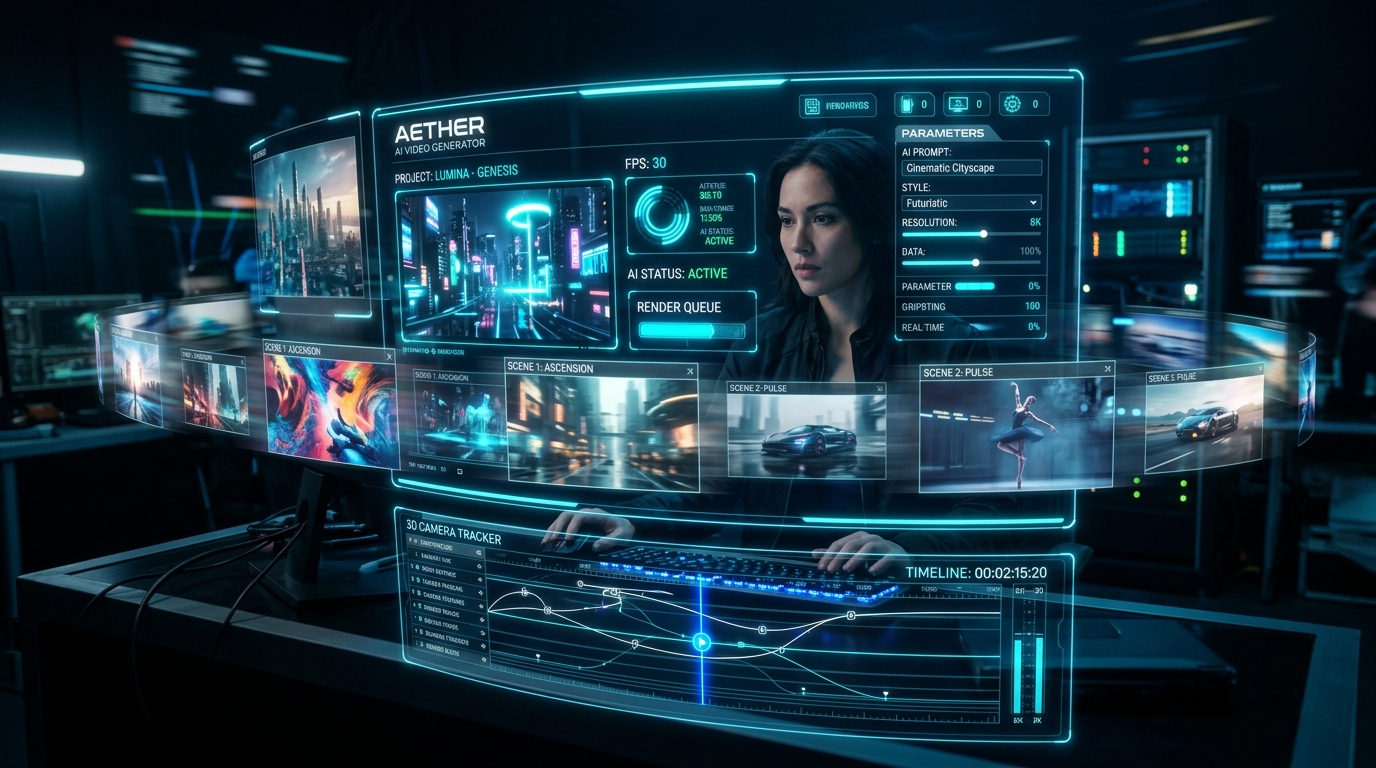
Quick Answer — Best AI Video Prompt Structure
The best AI video prompts describe shot type + camera motion + subject action + environment + lighting + frame rate/style. Unlike image prompts, video prompts must specify temporal progression — what changes over the clip. Example: slow push-in on a lighthouse at dusk, waves crashing, storm clouds moving fast, 24fps cinematic.
This guide covers the best AI video prompts for Sora, Runway Gen-3, Pika, Kling, and Google Veo — including camera motion keywords, 15 copyable cinematic prompts, and a tool-by-tool comparison so you pick the right model for each shot.
Mastering Motion in AI Video Generation
Writing prompts for AI video tools (like OpenAI Sora, Runway Gen-2, or Pika) requires a fundamental shift from static image prompting. You must describe temporal progression, camera dynamics, and fluid physics over time.
[Shot Type & Camera Motion] + [Subject + Action Over Time] + [Environment & Atmosphere] + [Lighting/Grade] + [fps & Style]
Essential Camera Motion Keywords for AI Video
Camera language is the #1 lever for cinematic output. These keywords map almost 1:1 to real cinematography:
FPV Drone Fly-Through:Fast-paced aerial movement weaving through tight obstacles.Slow Push-In:Subtle forward zoom toward the subject's eyes to build emotional tension.Orbital 360 Camera Pan:Smooth rotation around a stationary central object.Tilt Shift & Time-Lapse:Miniature effect combined with accelerated cloud or crowd motion.Dolly Zoom (Vertigo Effect):Background stretches while subject stays still — great for dramatic reveals.Tracking Shot / Follow Cam:Camera moves parallel to a moving subject (cars, runners, animals).Crane Up / Tilt Down Reveal:Vertical camera movement for establishing shots and dramatic reveals.Handheld POV:Slight shake and imperfect framing for documentary realism.
15 Copyable Cinematic AI Video Prompts
- 1. Futuristic Cyberpunk Car Chase:
Cinematic slow push-in shot tracking a sleek neon-purple hovercar as it drifts around a wet, rain-slicked corner in a futuristic Tokyo metropolis at midnight. The camera starts wide, showing glowing holographic billboards reflecting off the damp asphalt, then pushes in tight to show the driver inside, dynamic motion blur, shot on 35mm anamorphic lens, 60fps, cinematic color grading, 8k resolution. - 2. Nature Time-Lapse:
A dramatic hyper-lapse of heavy storm clouds rolling over a majestic pine mountain range at sunset. Golden sunbeams pierce through the dark clouds, illuminating a mist-filled valley below. The camera slowly tilts upwards, capturing the accelerated motion of the clouds and changing sky colors from orange to deep purple, hyperrealistic atmosphere, 4k. - 3. Underwater Reef Exploration:
A slow macro zoom tracking shot of a vibrant coral reef at night under UV light. Bioluminescent sea anemones gently wave in the currents, glowing in bright green and orange. In the background, a sea turtle swims slowly past massive brain corals. Crisp water particles, volumetric lighting, shallow depth of field, 4k. - 4. FPV Drone Forest Fly-Through:
An intense FPV drone shot flying low at high speed through a dense pine forest canopy. The camera weaves between ancient tree trunks, skims inches over a fast-flowing rocky river, and captures water splashes on the lens. Motion blur, high-speed camera dynamics, bright daylight, 60fps, cinematic stabilization. - 5. Ancient Medieval Castle Siege:
An anamorphic wide shot of a medieval stone castle under siege at twilight. Massive trebuchets fire flaming rocks that arc through the sky, crashing into towers. Heavy rain and wind blow through the scene, with volumetric smoke rising from fires on the ramparts, high-contrast lighting, cinematic historical drama style. - 6. Steampunk Airship Docking:
A slow tilt-up shot of a massive brass-plated steampunk airship docking at a towering copper terminal. Steam vents from large pistons, and copper propellers spin rapidly. The sun shines through coal smoke, casting long rays across the Victorian cityscape below, warm amber color grading. - 7. Astronaut Mars Survey:
A cinematic tracking shot following an astronaut walking over the crest of a Martian red sand dune. A massive dust storm approaches on the horizon, casting an orange haze over the landscape. Volumetric ambient dust particles float in the atmosphere, shot on a wide-angle lens, high contrast, 8k. - 8. Cozy Cabin Snowstorm:
A warm interior view looking through a rustic wooden cabin window during a heavy winter blizzard. Snow piles up on the sill outside. Inside, a fireplace crackles, and its warm fire glow is reflected in the window glass, contrasting the cold blue storm outside, cozy grading. - 9. Holographic Laboratory Research:
A medium shot of a futuristic scientist interacting with a glowing 3D holographic human brain model. Floating digital data nodes and neural pathways spin in the air. The scene is illuminated by sleek blue and navy laboratory lighting, shallow depth of field, clean sci-fi tech aesthetic. - 10. Bioluminescent Night Beach:
An orbital 360-degree panning shot of gentle waves crashing onto a sandy beach at night. The water glows neon blue with bioluminescent plankton as it hits the shore. Overhead, the starry sky displays the Milky Way galaxy in high detail, long exposure cinematic feel. - 11. Vintage 1920s Jazz Club:
A teal and gold graded tracking shot moving through a smoky, crowded underground jazz club. The camera focus pulls to a close-up of a saxophonist playing under a single warm spotlight, capturing sweat on his face and the brass texture of the instrument, vintage look. - 12. Fantasy Dragon Flight:
An epic wide panning shot of a colossal red dragon soaring through a golden sky over a deep canyon landscape. The dragon's shadow sweeps across the rocky cliffs below as it beats its wings, cinematic fantasy adventure aesthetic, 8k. - 13. Microscopic Cell Division:
A high-resolution 3D medical animation showing mitosis under a microscope. Glowing cellular organelles separate and pull apart, surrounded by realistic fluid physics and cell membrane deformation, volumetric green backlighting. - 14. Neon Tokyo Alleyway Walk:
A POV walking shot down a narrow Tokyo backstreet in heavy rain. Glowing neon kanji signs reflect off the wet pavement and deep water puddles. Steam rises from sewer grates, and old cables hang overhead, creating a gritty cyberpunk noir style. - 15. Solar Eclipse Time-Lapse:
A cinematic time-lapse of a total solar eclipse over a sharp mountain range. The solar corona shines brightly in the sky, and the landscape turns a dark, deep blue. Birds fly away in panic, and the shadow of the moon sweeps across the valleys below, dramatic lighting.
Sora vs Runway vs Kling vs Veo — Which Handles Your Prompt Best?
| Tool | Prompt Sweet Spot | Max Clip Length | Standout Feature |
|---|---|---|---|
| OpenAI Sora | Long narrative scene descriptions | ~20s | Multi-shot storytelling, strong physics |
| Runway Gen-3/4 | Director-style camera language | ~10s | Camera controls, keyframes, Act-One |
| Kling 1.6+ | Realistic human motion | ~10s (extendable) | Best human movement + lip sync |
| Google Veo 3 | Cinematic + audio prompts | ~8s | Native sound/dialogue generation |
| Pika 2.x | Quick stylized clips | ~10s | Pikaffects, image-ingredients blending |
Duration, Pacing & Physics Rules
- One camera move per clip: "push-in then orbit then zoom out" produces mush. One motion, executed well.
- Describe speed explicitly: "slow", "fast-paced", "gradual", "sudden" — video models weight these heavily.
- Anchor the physics: add how elements interact — "hair blows in wind", "water splashes on lens", "smoke drifts left".
- Use fps cues:
24fps cinematicfor film look,60fpsfor smooth motion,120fps slow motionfor drama. - Start frames beat prompts: when supported, feed a generated image as frame 0 — prompt then only needs to describe motion.
5 AI Video Prompt Mistakes That Ruin Clips
- Multiple simultaneous actions: asking for "a man runs, jumps, and lands" in one prompt causes morphing. Split into separate clips and stitch.
- Static-style prompting: image prompts describe a moment; video prompts must describe change over time.
- Complex dialogue scenes: lip sync + emotion + camera motion simultaneously still fails often — keep talking shots simple.
- Ignoring the "before" state: describe what the scene looks like at frame 0 — "scene opens on..." gives the model a stable start.
- Text in video: rendered text garbles in motion; add titles in post-production instead.
Generate Video Scripts & Prompts via Blog Generator API
Pair your AI video prompts with automated scripts, blog posts and YouTube descriptions using the RSFlowHub Blog Generator API — or pipe shot ideas through the AI Chat API to mass-produce prompt variants.
Explore Blog Generator API →Key Takeaways
- Video prompts = camera motion + temporal change; image prompts = static moment.
- One camera move and one subject action per clip — combine in edit, not in prompt.
- Sora for narrative, Kling for human motion, Veo for audio, Runway for camera control.
- Always specify speed, fps feel, and physics interactions (wind, water, smoke).
- Feed a start frame image when possible — text-to-video is harder than image-to-video.
Frequently Asked Questions
24fps cinematic.

Chloe Bennett Member
2 days agoThe camera motion keywords for video prompts saved me hours of trial and error with Sora. Highly recommended guide!
Reply to Chloe Bennett
Lucas Vance Member
4 days agoWe integrated the RSFlowHub AI Chat API to auto-expand user prompts in our mobile app and response latency is under 200ms. Exceptional speed!
Reply to Lucas Vance
Priya Sharma Member
4 days agoThis formula structure is gold! Combining subject, environment, rim lighting, and lens parameters completely transformed my Midjourney outputs.
Reply to Priya Sharma